Your ultimate desktop study companion. Just drop your files, and watch your computer actually work—generating presentations, solving math, and building study schedules instantly.
We are thrilled to announce the launch of ARS AI OS V2.0. Introducing the Autonomous Study Engine, a built-in Smart Calendar that reads your syllabus, and a powerful Math & Physics Solver. The first 1000 students get premium access at a discounted student rate.
Note: Voice input is temporarily disabled for V2.1 upgrades, but all text and drag-and-drop tools work flawlessly!
Trial Available
Just Download and Use , Simple as That
See It In Action
Designed to keep you in the zone. Scroll down to experience how it works.
Getting Started Guide
Follow these steps to get your AI assistant up and running.
Step 1: Download & Install
Click the download button on the Pricing page to get the ARS_AI_WebSetup.exe. Run the file. A progress bar will appear as it securely downloads the ARS AI OS core files. Once finished, it will automatically install the app to your system and create a desktop shortcut.
Step 2: Get Your License Key
To use ARS AI, you need a license key. Visit our purchase page to buy a key. Once payment is complete, you will instantly receive an email with your unique ARS-XXXX-XXXX-XXXX key. (If you already have a key, skip to Step 3).
Step 3: Activate Your Account
Launch ARS AI from your desktop. You will be greeted by a sleek login screen.
Paste your License Key into the "License Key" tab.
Click "Setup Account" to create a Username and Password. This ties the key to your PC permanently.
Click UNLOCK. You are now inside the OS!
Step 4: Connect Your AI Brain (Free API Key)
ARS AI needs an "AI Brain" to think. We use OpenRouter because it offers generous free tiers. Here is how to connect it:
Go to OpenRouter.ai and sign in with your Google account.
Click Keys in the top right menu, then click "Create Key".
Name it "ARS AI" and copy the generated key.
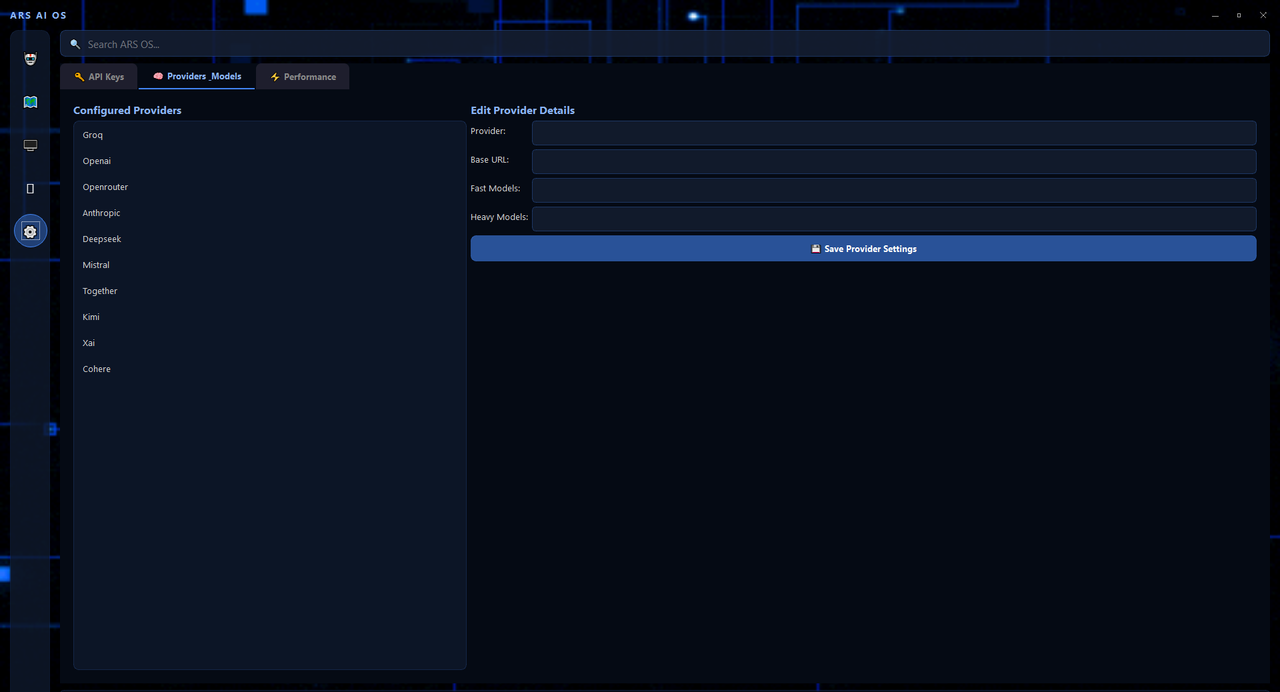
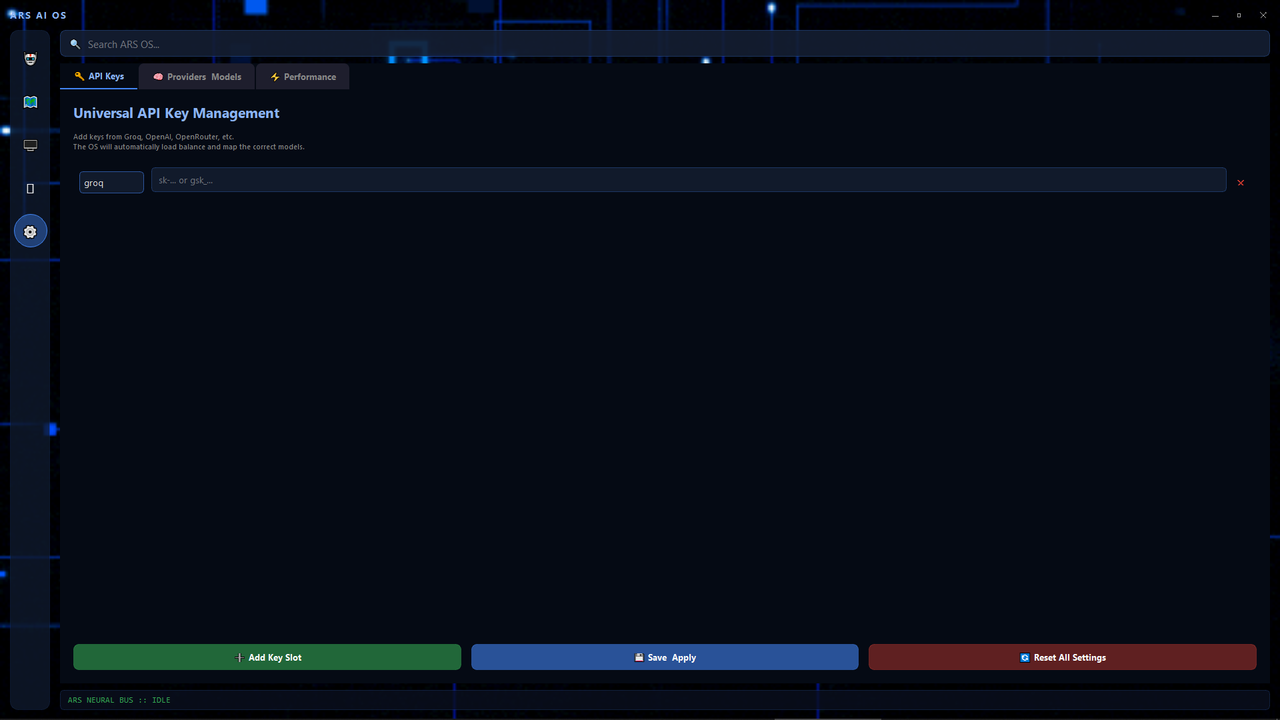
In ARS AI OS, click the ⚙️ Settings icon on the left sidebar.
Paste your OpenRouter key into the "API Keys" tab and click Save & Apply.
💡 Note: You can also use Groq, OpenAI, or Anthropic keys if you have them! Just select the provider from the dropdown.
Step 5: Start Commanding
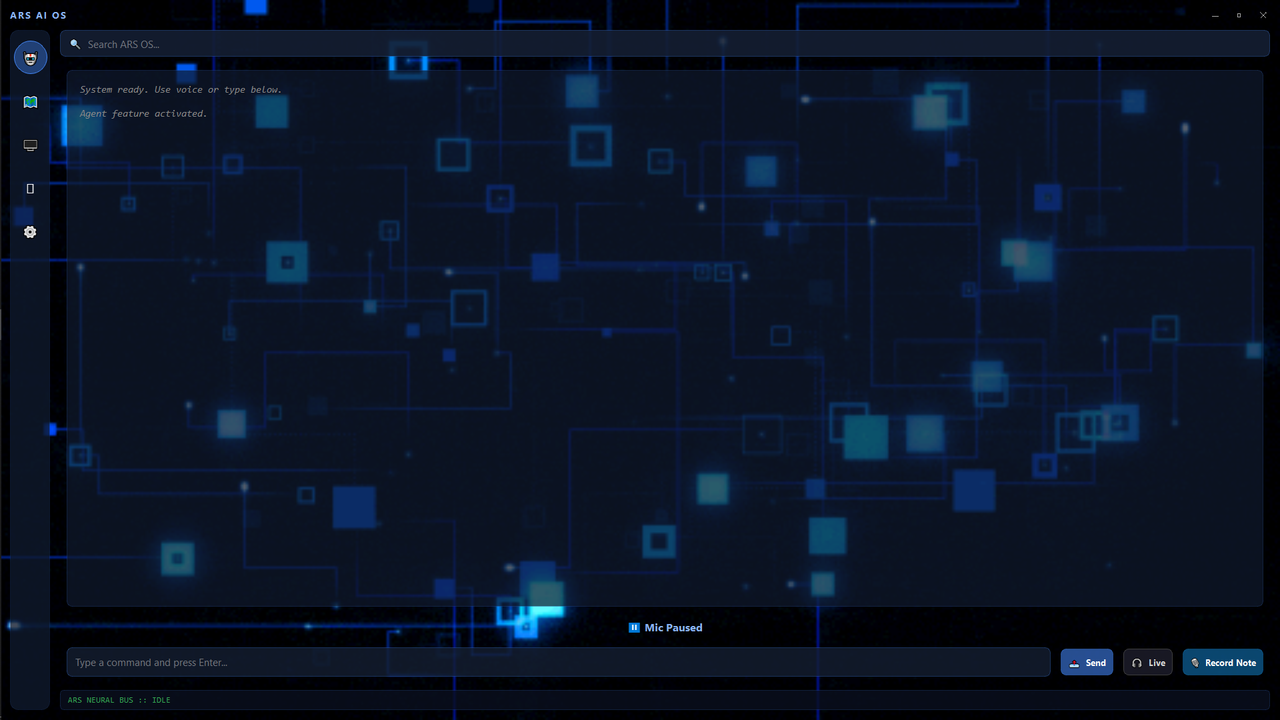
You are ready! Click the microphone button or type in the search bar.
Say: "Hey Professor, make a 5 slide presentation on Quantum Computing" or "Hey Jarvis, open Chrome ".
If you don't want to use voice, simply type "PPT Generator" or "Quiz Maker" in the search bar to use our instant Direct Tool UI—Less Error , Faster Responses
How ARS AI OS Works
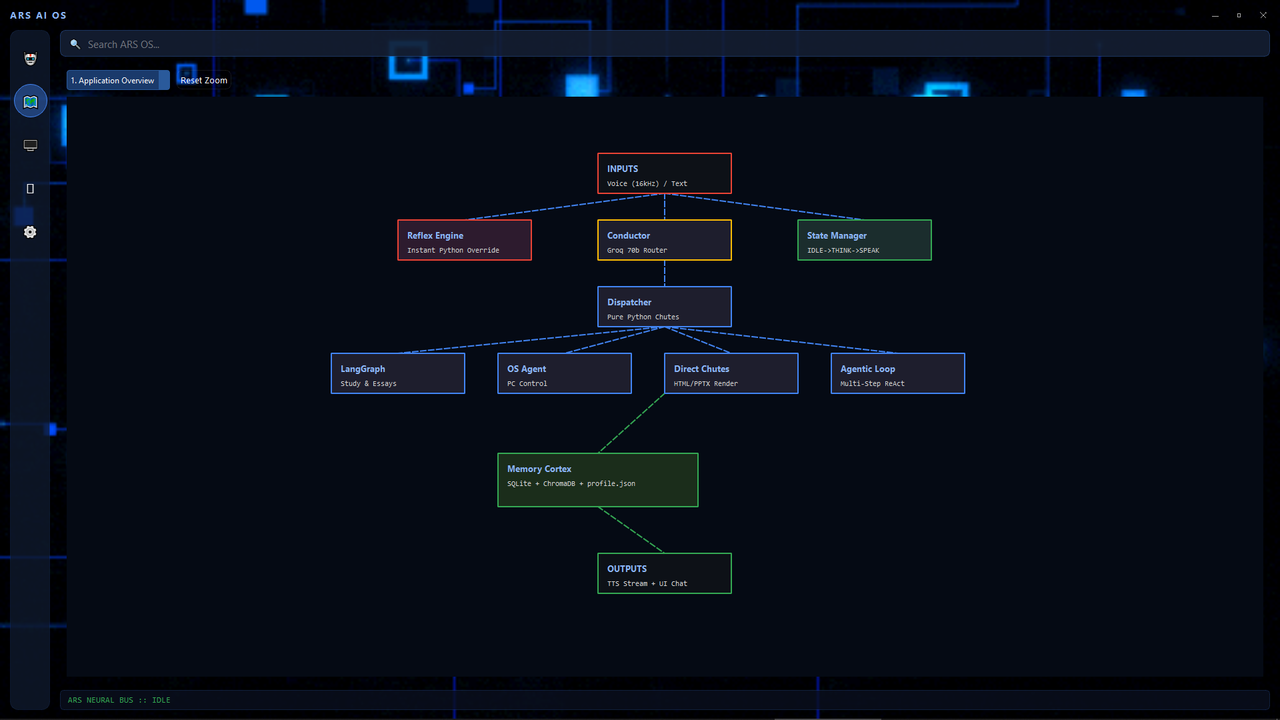
ARS AI isn't just a chatbot. It is a multi-agent operating system that listens, plans, and executes tasks directly on your computer.
🎤
1. Always Listening
With local Faster-Whisper transcribing, your voice is instantly converted to text. Just say "Hey Professor" and speak your command. No mouse required.
🧠
2. The Planner & Critic
For complex tasks, ARS AI uses a Master Planner to break your request into steps, validates it with a Critic, and executes tools autonomously until the job is done.
⚡
3. Instant Execution
Why wait for an LLM to generate a response? ARS AI bypasses AI for instant OS commands. "Minimize windows" or "Open Chrome" happen in milliseconds.
📄
4. Real Deliverables
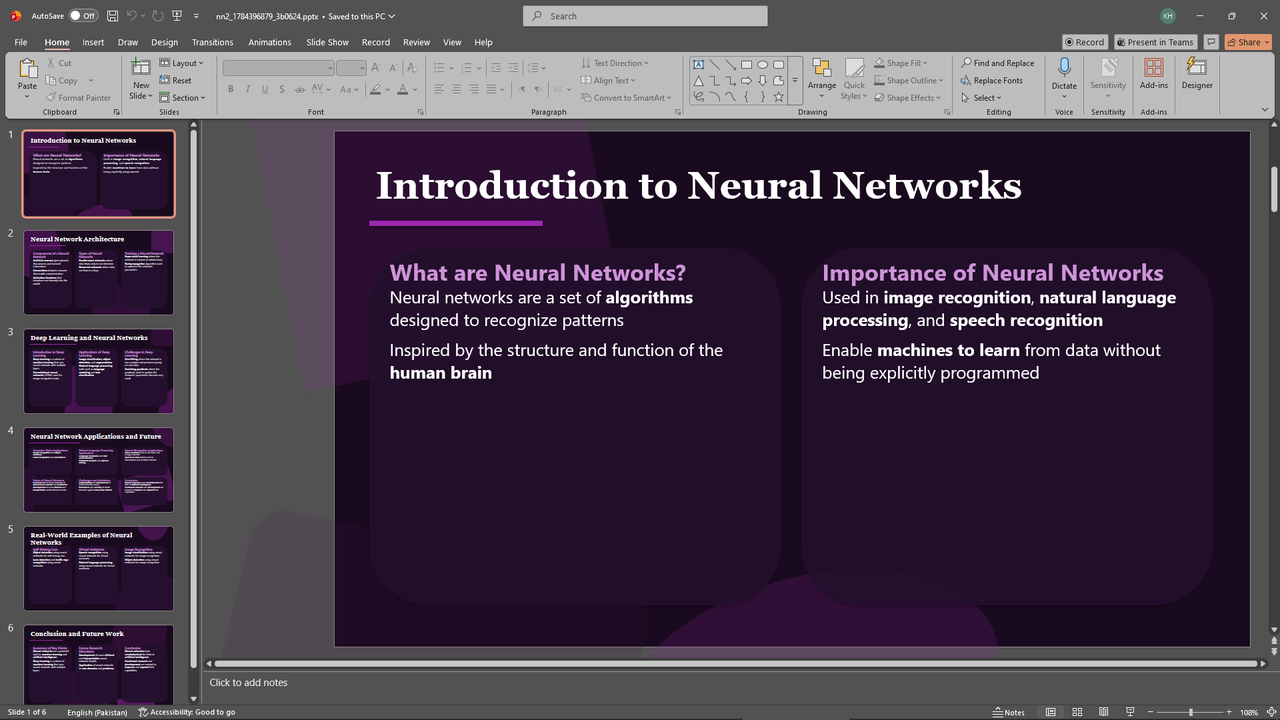
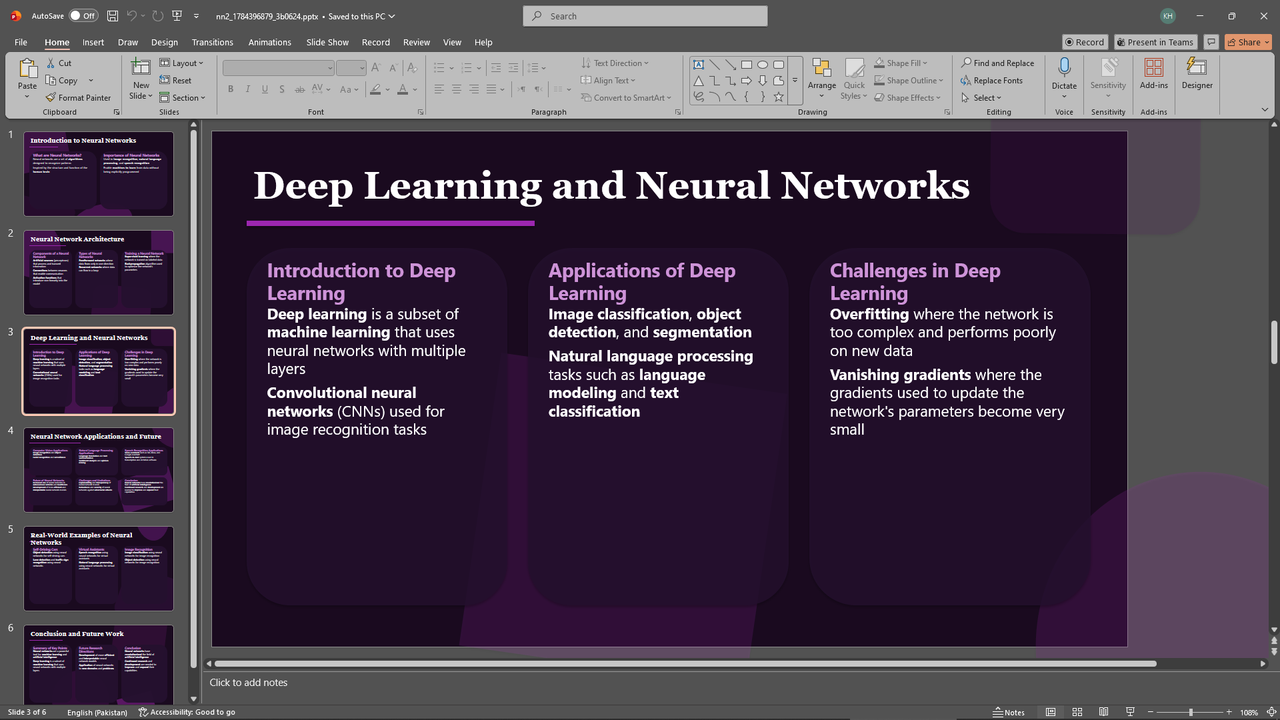
ARS AI doesn't just talk—it builds. It generates real PowerPoint presentations, interactive HTML quizzes, Word documents, and Anki decks right on your disk.
Download Center
Get the latest stable build of ARS AI OS. It's 100% free to download.